

What is an engagement panel?
Every live stream and uploaded video in your PANDA channel includes engagement panels on the right-hand side of the video. The default engagement panel – and the only one that cannot be turned off – is Live Chat.
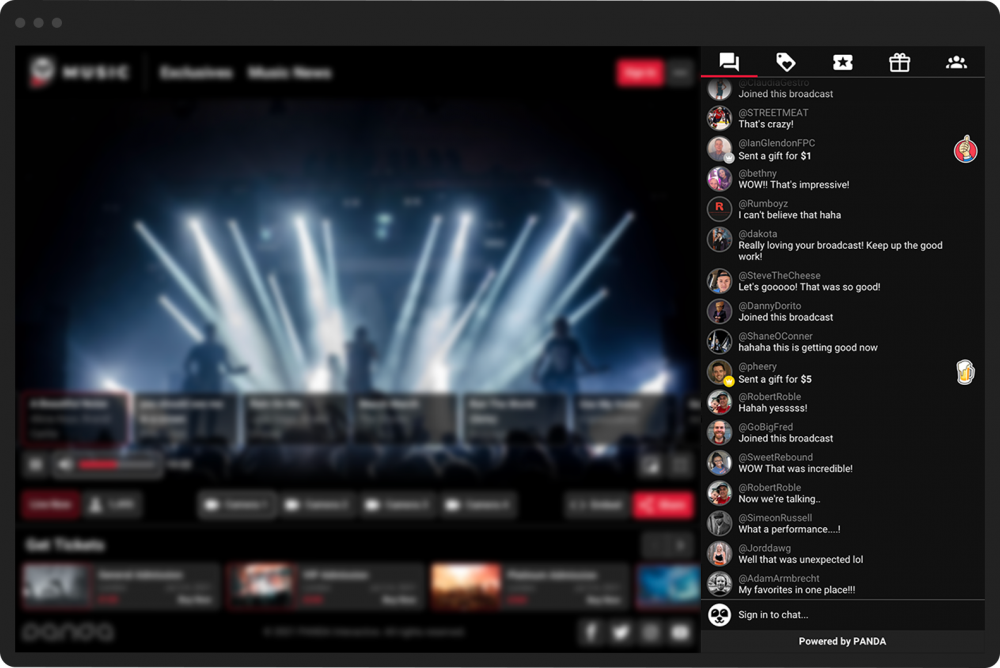
Engagement panels encourage interactivity from your viewers by giving them the ability to:
Chat with one another in real-time (Live Chat)
Purchase merchandise (E-Commerce)
Place bets from online sports books (Betting)
View all previous streams and videos (Video-On-Demand)
View all upcoming scheduled streams (Schedule)
Watch live streams with friends (Watch Together)
Display a web page (External iFrame)
View tweets from a specified Twitter account (Twitter)
Download documents (Download)
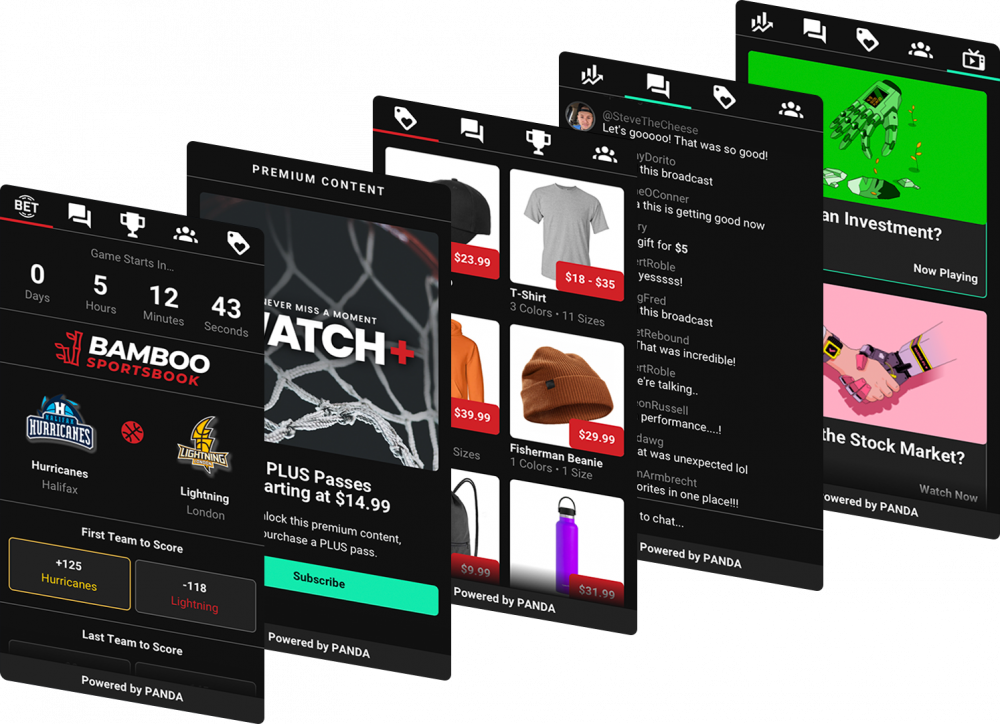
Viewers can toggle between active engagement panels by clicking the corresponding tab to the right-hand side of each stream or video.
Channel Admins can edit engagement panels and choose which will be displayed to viewers by visiting the Channel Editor.
Channel Admins can also create interactive overlays that open a desired engagement panel when the viewer clicks on the overlay during a live stream or video replay.