

View your profile
Your profile includes personal information shared with PANDA about your account.
Click your profile icon in the top right corner of any page in the PANDA dashboard to bring up your profile settings page.
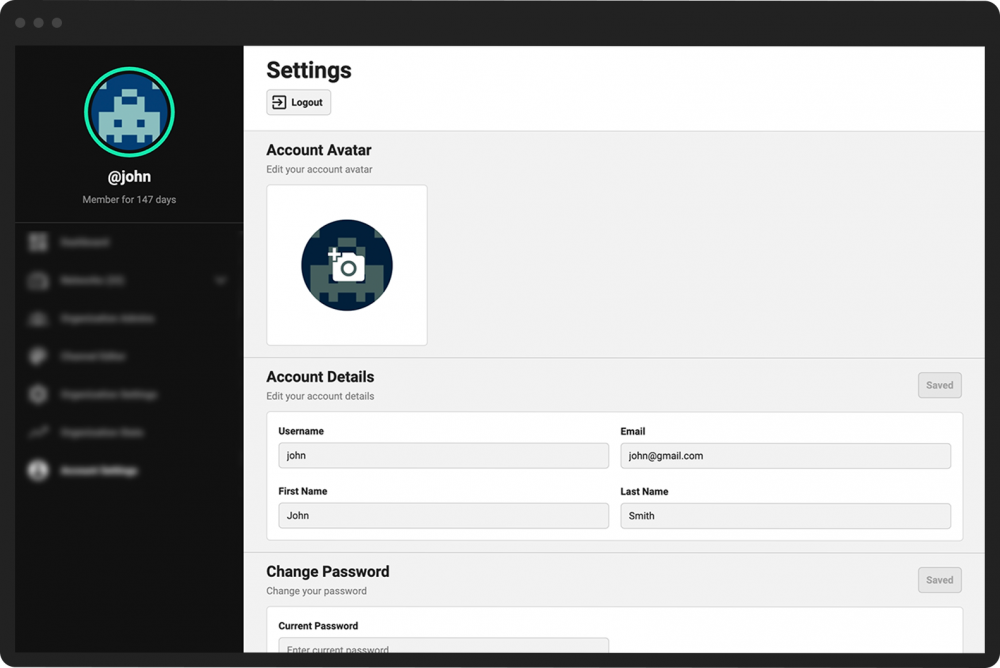
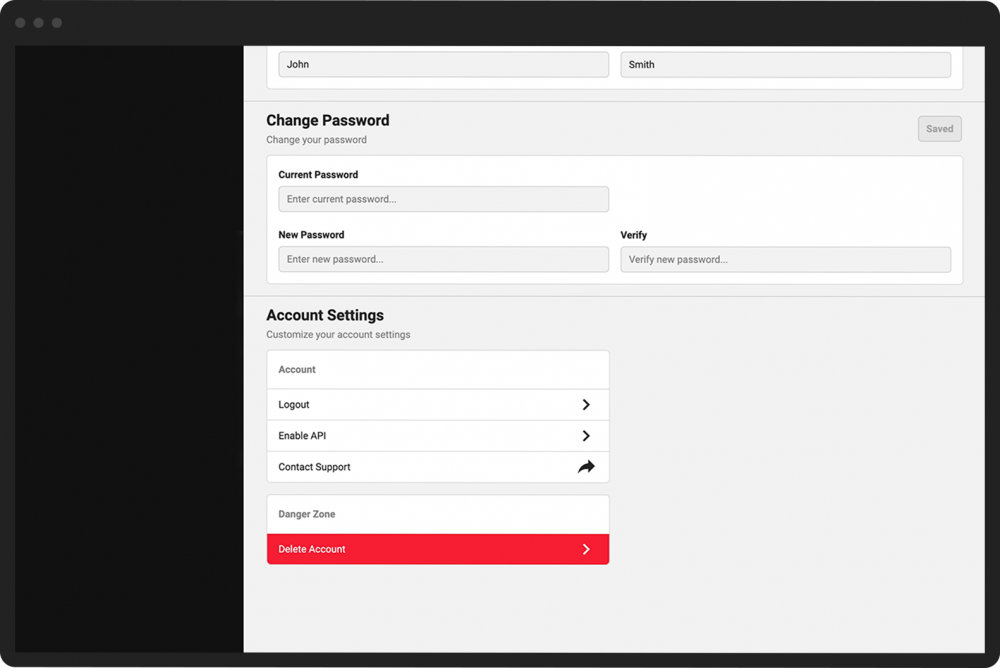
From your profile settings page, you can:
Upload or change your profile picture
Change your username, email address, and first and last name
Update your password
Adjust other account settings
Delete your account
When you are watching a live stream or an uploaded video on a PANDA channel, other viewers will see your profile picture and username in the chat panel.
Other viewers cannot access your profile settings page. All of your information (other than your profile picture and username) will remain private and secure.