

Change your email address
- 1
From anywhere in the PANDA dashboard, click your profile icon in the upper-right corner of the screen.
- 2
Under the Account Details section in the Email field, enter your desired email address.
- 3
Click the green Save button to the right of the Account Details heading.
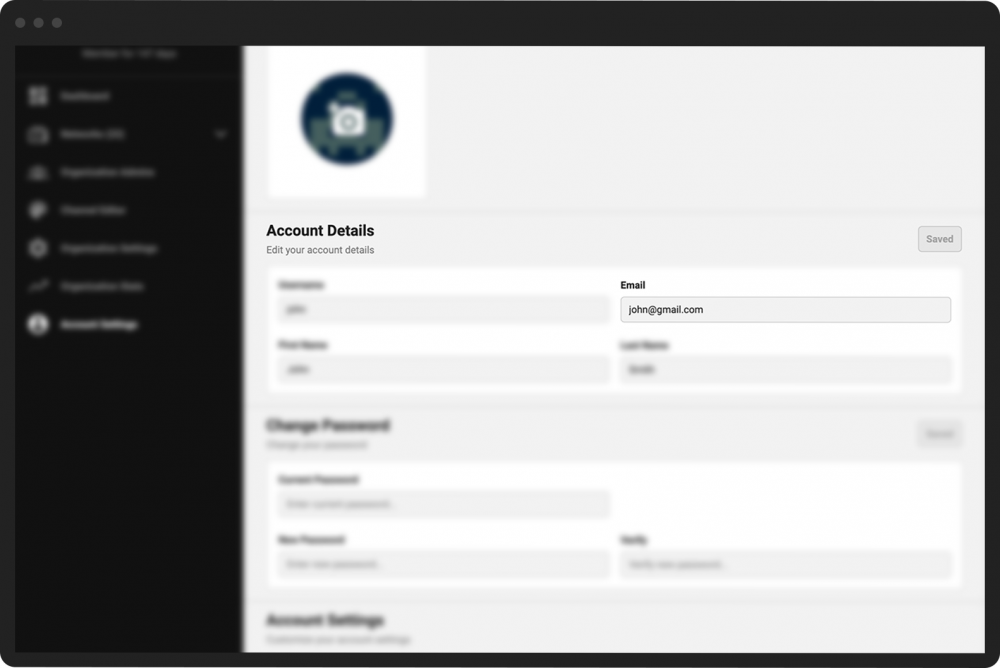
Note: You will not receive a confirmation after you have changed your email address. Be sure to double-check that the email address you entered is correct.