Change your username
- 1
From anywhere in the PANDA dashboard, click your profile icon in the upper-right corner of the screen.
- 2
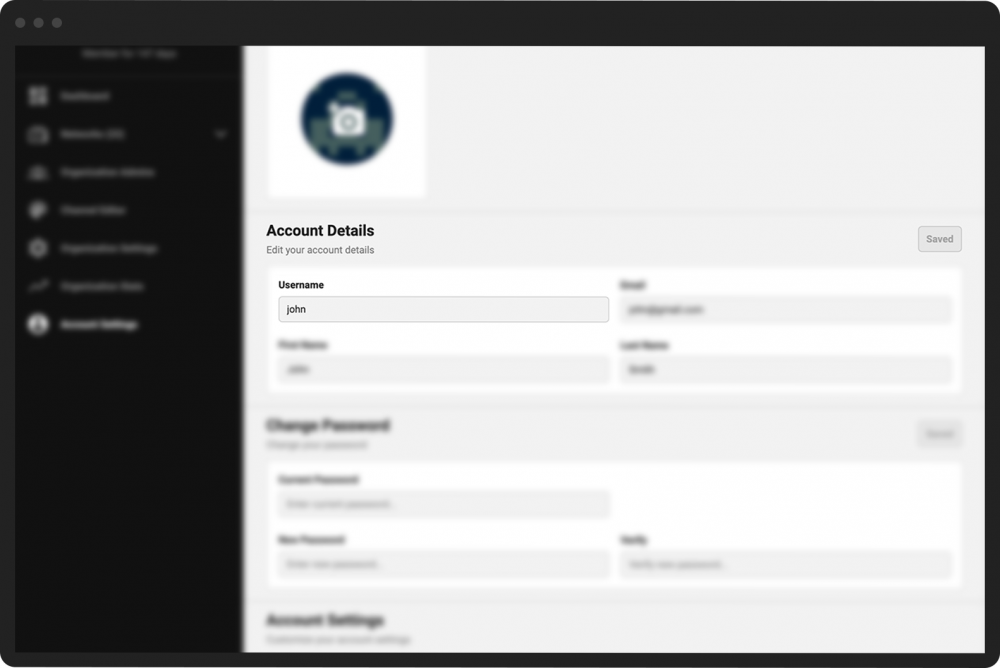
Under the Account Details section, enter your desired username in the Username field.
Note: Your username must be at least 3 characters (a-z, 1-9) and can include a maximum of 15 characters.
- 3
If you see a thin red border around the box where you are entering the username, then you must choose a different username. A message will appear above the box describing the problem with the name you entered.
- 4
Click the green Save button to the right of the Account Details heading.