

Update your password
- 1
From anywhere in the PANDA dashboard, click your profile icon in the upper-right corner of the screen.
- 2
Under the Change Password heading, enter your current password and then your desired new password in the data fields.
- 3
Under the Verify field, retype your new password.
- 4
Click the green Save button to the right of the Change Password heading.
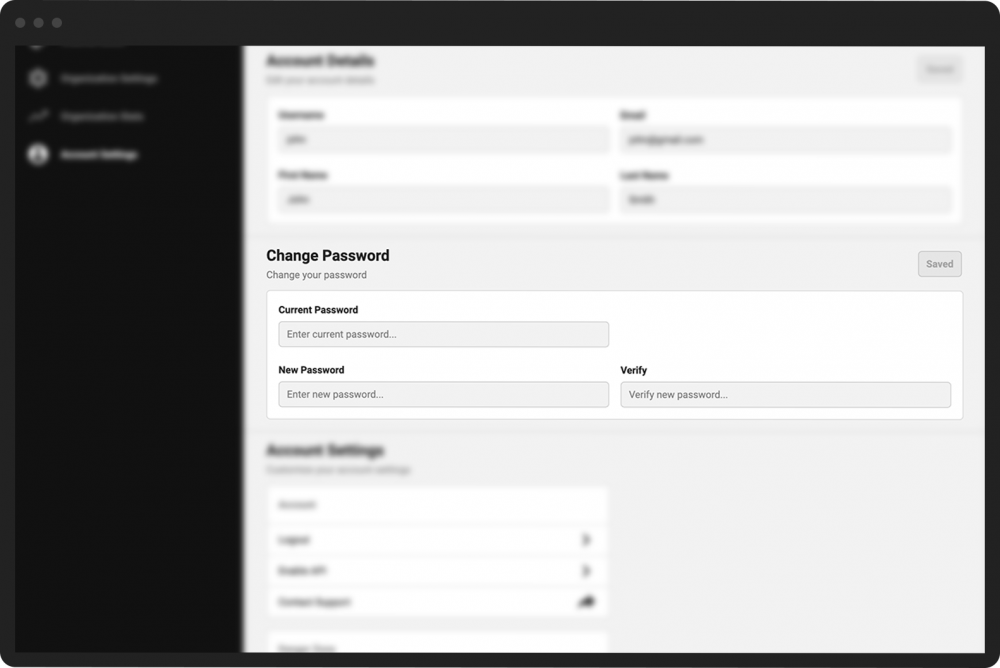
Note: If the boxes where you entered your new password turn red after clicking Save, there is a problem with the passwords you entered. Make sure your entries under New Password and Verify are the same, and then click Save again.