

What is a Channel Dashboard?
A Channel Dashboard is a suite of data management tools for your hosted content on PANDA. Each channel has its own dashboard.
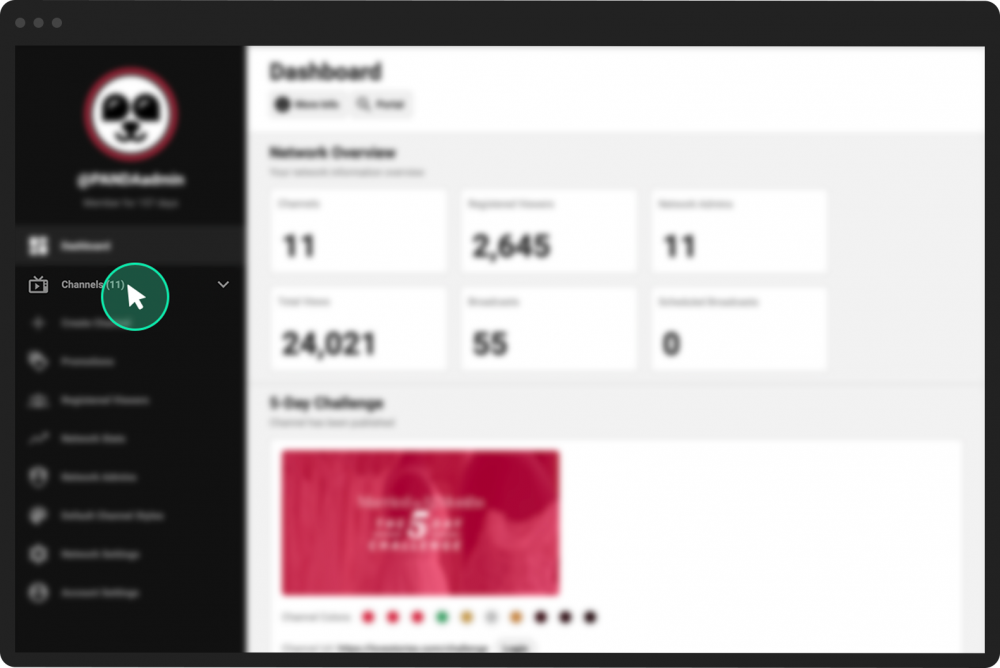
To get to a channel’s dashboard:
- 1
Log in to your PANDA dashboard.
- 2
Click Channels from the far-left menu.
- 3
Click the name of the desired channel.
From the Channel Dashboard, a Channel Admin can perform a number of tasks:
Invite new admins to join the channel
Manage all advertising and engagement features (e.g. overlays, pre-roll videos, sponsored panels, etc.)
Create new live broadcasts
Download videos (i.e., broadcast replays)
Create and manage coupon codes
Access viewer data
View channel stats
Note: The tasks a Channel Admin can perform vary depending on their channel role and permissions.