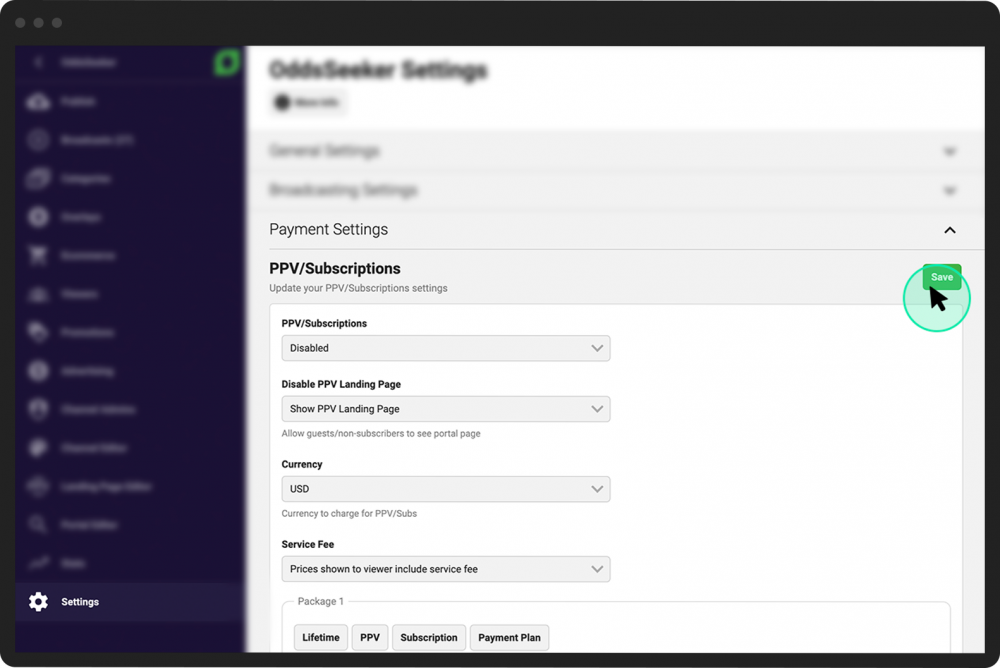
Allow viewers to purchase a single broadcast
In addition to offering subscription packages, you can allow your channel’s viewers to purchase a single broadcast. When a non-subscribed viewer clicks a broadcast they want to watch, they will be shown both the available subscription options for the entire channel as well as the price for just that individual broadcast.
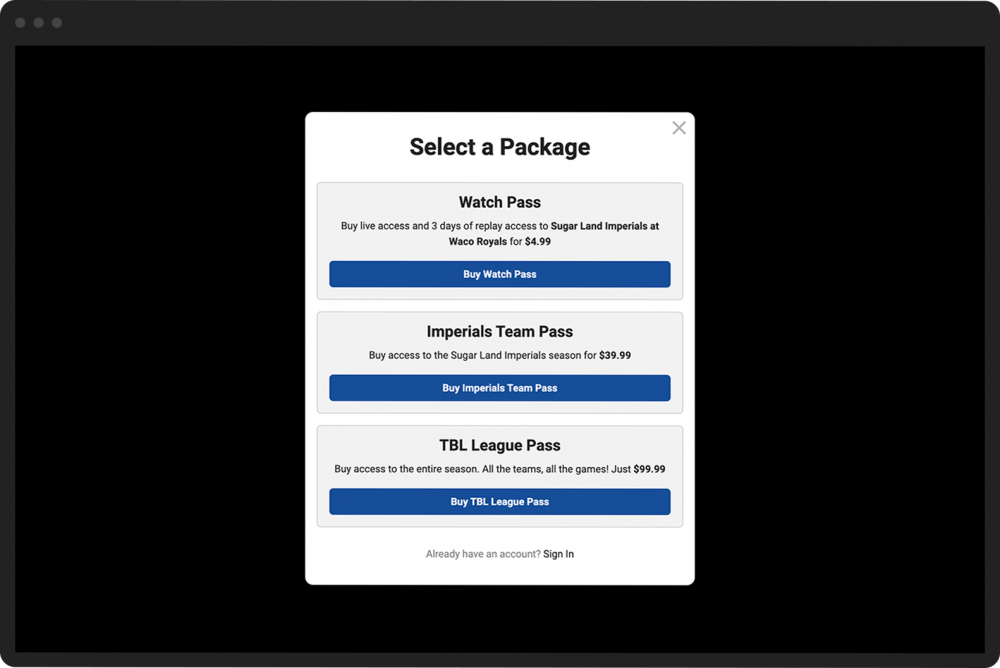
To enable single broadcast purchases:
- 1
From your Channel Dashboard, click Settings from the bottom of the far-left menu.
- 2
Click the Payment Settings tab.
- 3
Scroll down to the Single Broadcast section.
- 4
Complete the Default Price field with the standard amount you would like to charge for your single broadcasts.
- 5
In the Default Duration (Days) box, enter the number of days you would like the viewer to be able to watch the broadcast they purchased. Leave the box blank if they will be able to access the broadcast for an unlimited amount of time.
- 6
Click the Save button located to the right of the PPV/Subscriptions header.