

Create a promo code for a channel
In addition to creating promo codes for your entire PANDA network, you can create codes that apply to specific channels.
Note: For a channel, you can create codes for free subscriptions or discounts. Tracking Only codes are not available for individual channels, only the entire network. Landing pages for promo codes are also only available for the entire network.
- 1
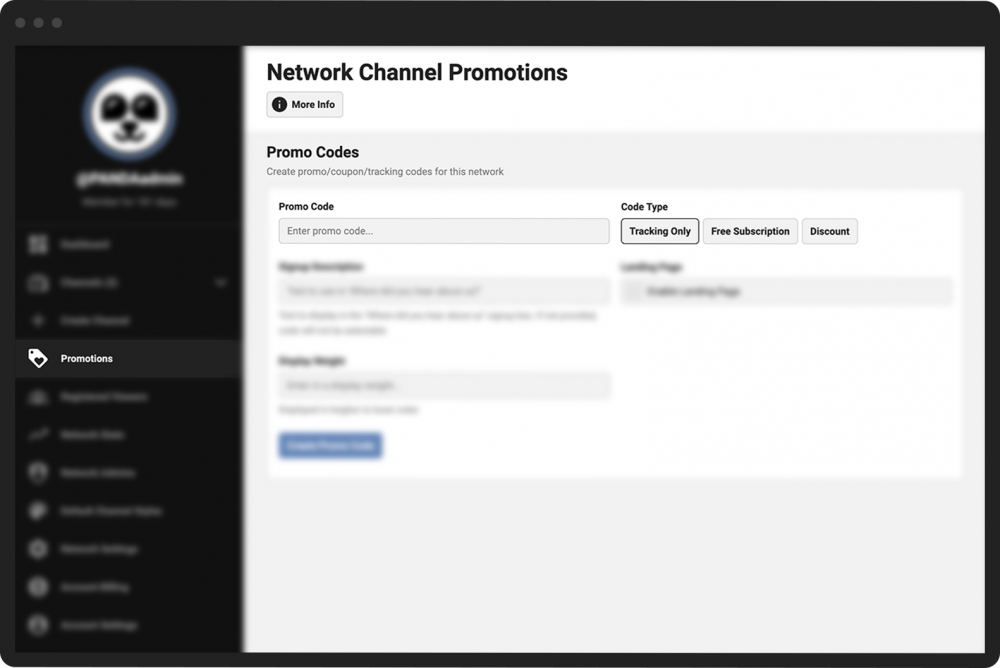
From your Channel Dashboard, click Promotions on the far-left menu.
- 2
In the Promo Code field, enter the code you would like to create. This is typically a short combination of letters and numbers (e.g., FREETV2022).
- 3
In the Code Type section, choose the type of code you want to create. You can choose either:
Free Subscription. This code will grant your user a free subscription to your channel for a set amount of time.
Discount. This code will give your user a specific discount off of the standard subscription fee for your network.
- 4
Follow the additional steps below depending on which type of code you selected.
- 1
Click the Free Subscription button.
- 2
In the Usage Limit field, enter the maximum number of times you will allow this code to be used. For example, if you enter 100, the system will only grant a free subscription to the first 100 users who use your promo code.
- 3
In the Code Expiration field, enter the number of days you want this code to be available. For example, if you enter 7, the code will expire 7 days after you create the code.
- 4
Click the green Create Promo Code button.
- 1
Click the Discount button.
- 2
In the Discount Type section, choose the type of discount you want to offer. You can offer a discount of a certain value (e.g., $10 off) or a percentage (e.g., 10% off).
- 3
In the Discount Amount field, enter the amount of the discount you will offer. If you enter 20, your discount will either be $20 off or 20% off depending on the discount type you chose.
- 4
Click the green Create Promo Code button.
Your new code, along with any other codes you created, will appear in a box below the Create Promo Code button. The box will also display the type of code/discount, how many days until it expires, and how many times it has been used, if applicable.
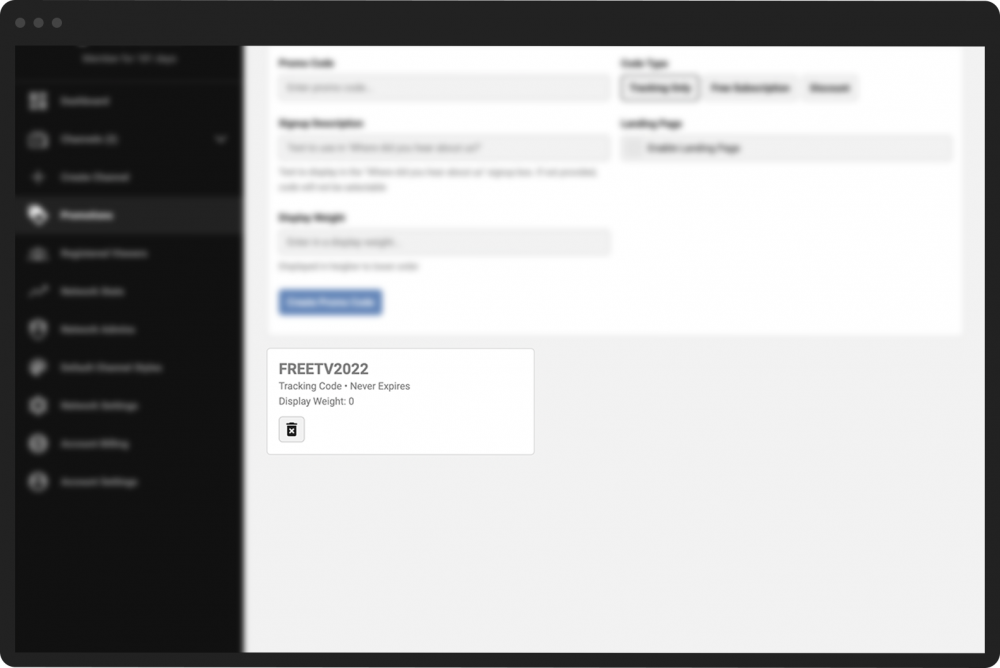
To delete a promo code, click the garbage can icon.
Note: You cannot edit a code after you’ve created it. If you want to change the details of the code (such as the expiration date), delete the code and re-create it using the same name and the new details.