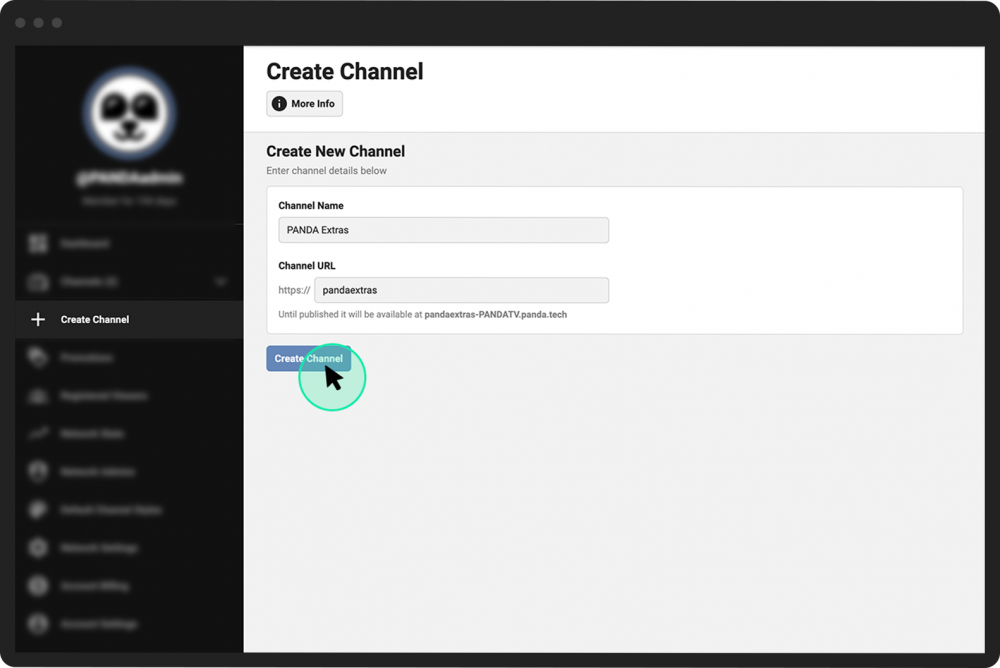
Create a new channel
Network Admins can create a new channel on a PANDA network.
- 1
Login to the PANDA dashboard and click Create Channel from the far-left menu.
- 2
In the Channel Name field enter the desired name of your new channel.
- 3
In the Channel URL field enter the desired URL of your new channel.
- 4
Click the Create Channel button to create the channel and generate a Channel Dashboard for your new channel. You will automatically be taken to your new dashboard.