Embed broadcasts into a blog
You can share or showcase broadcasts from your PANDA channel by embedding them in a blog or other website.
- 1
From your Channel Dashboard, click Broadcasts from the far-left menu.
- 2
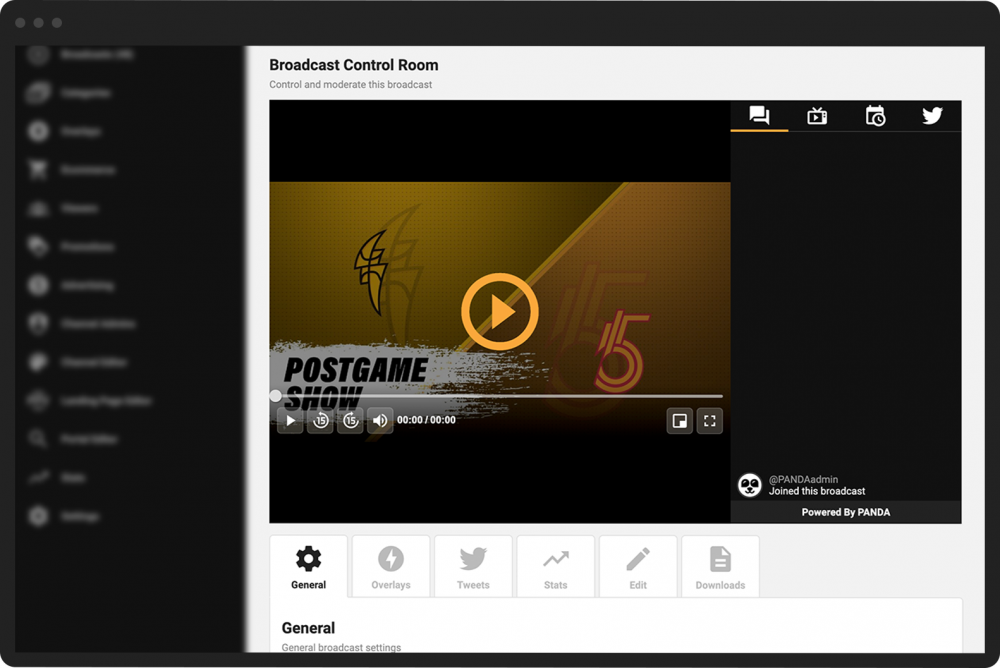
Click the Control Room button under the broadcast you would like to embed.
- 3
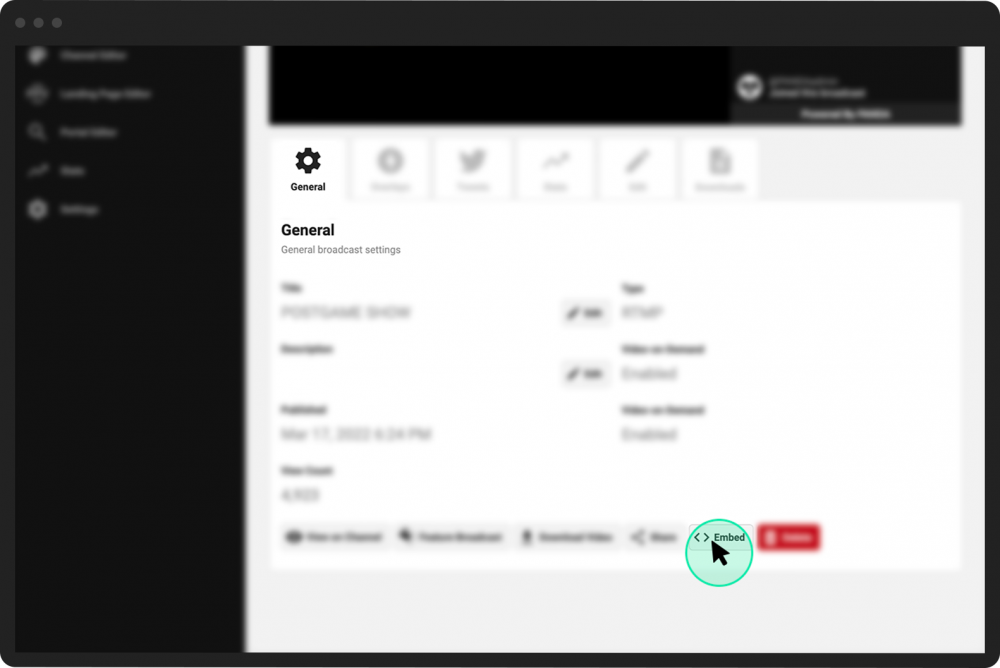
Under the General tab, click Embed at the bottom of the screen.
- 4
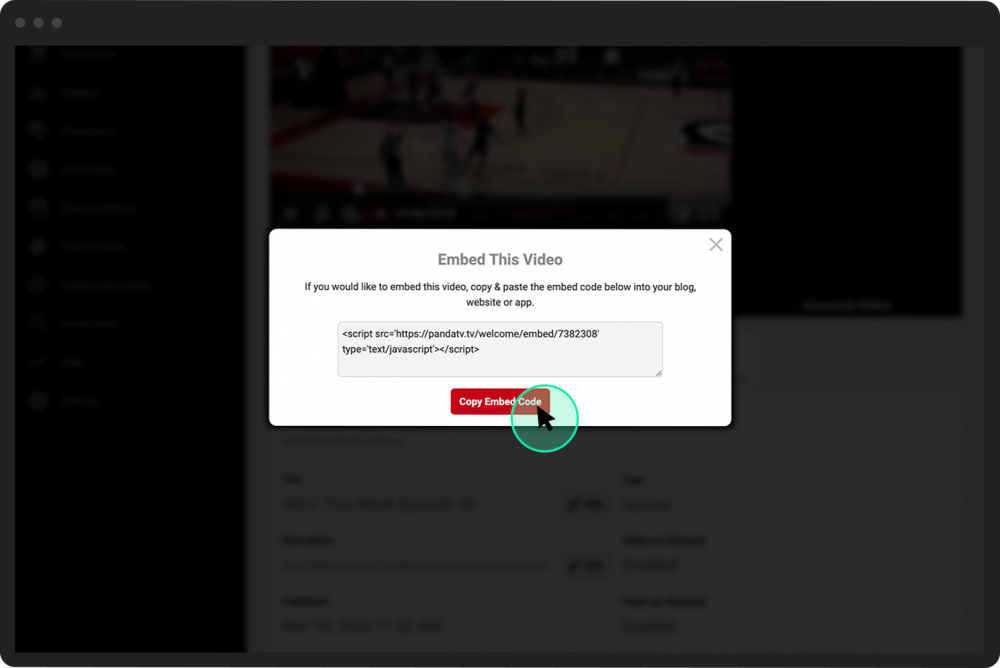
Copy the embed code and insert it into your blog using the blog’s insert code function.