Publish your channel
When you create a new channel in your PANDA network, the channel will first be created in a draft state. This allows you to adjust all your channel styles and settings as desired and preview how your channel looks first, before the channel and your broadcasts are available to the public.
- 1
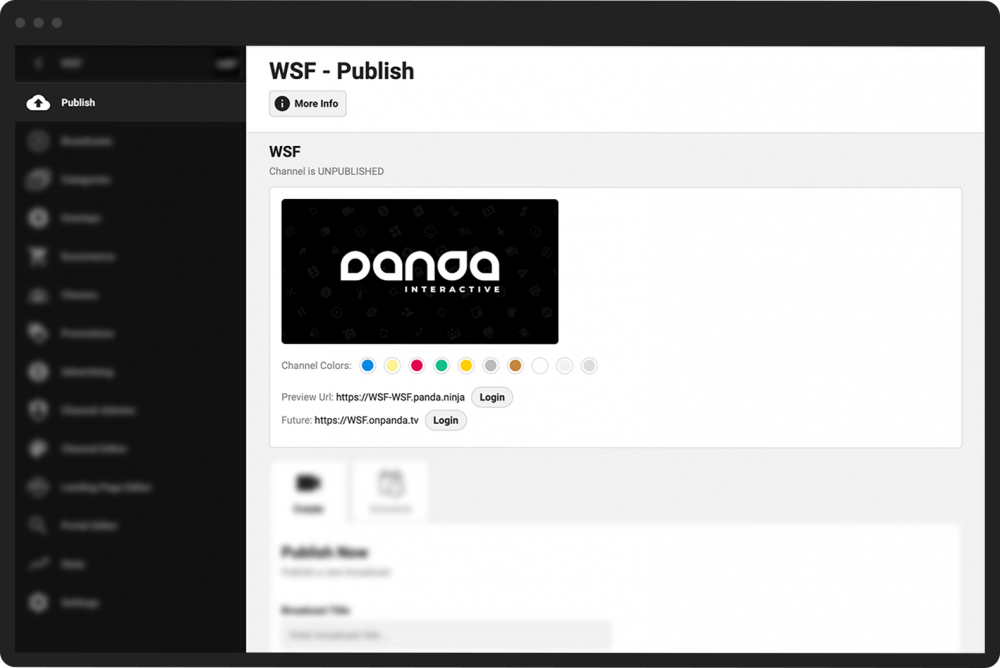
From your Channel Dashboard, click Publish from the top of the left-hand menu.
- 2
The name of your channel, its status (published or unpublished), and its URLs are available at the top of the page.
- 3
Click on either of the URLs to view a preview of your channel.
- 1
From your Channel Dashboard, click Settings from the bottom of the far-left menu.
- 2
In the Publish Channel section, click the Publish Channel button.

Your channel will now be open to the public.
- 1
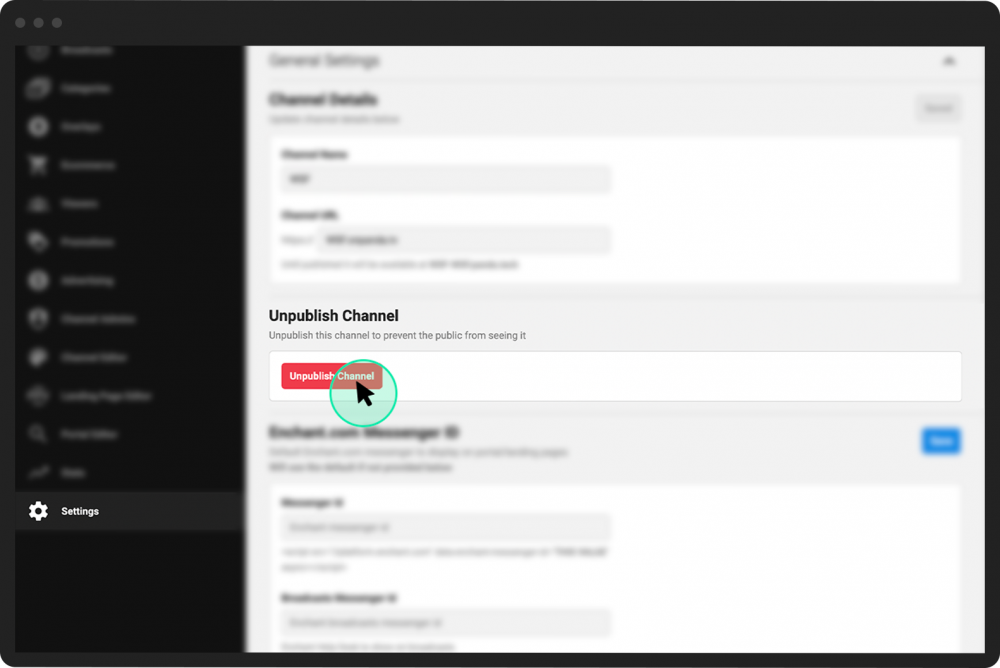
From your Channel Dashboard, click Settings from the bottom of the far-left menu.
- 2
In the Unpublish Channel section, click the red Unpublish Channel button.